
Microsoft Copilot Course in Hindi: A Practical 29-Lesson Masterclass
Learn Microsoft Copilot in Hindi with 29 beginner-friendly lessons, practical prompts, Word, Excel, PowerPoint, Outlook, agents, exercises and quizzes.
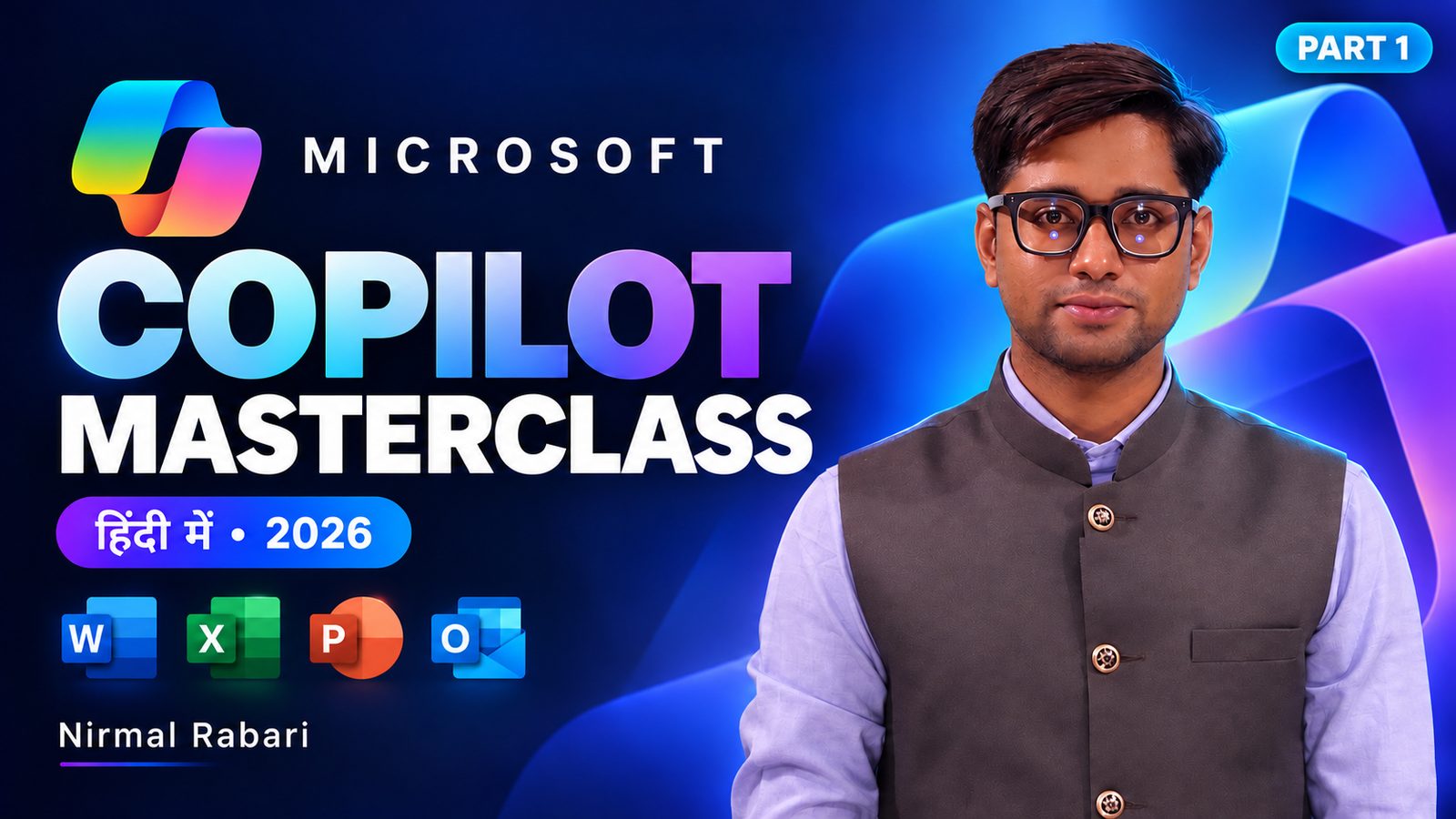
By Nirmal Rabari · Beginner level · 29 video lessons · Hindi instruction, English prompts · Reviewed 10 November 2026
What is this course?
The Microsoft Copilot Masterclass 2026 in Hindi is a beginner-friendly online course by AI educator Nirmal Rabari. It includes 29 short videos in 7 modules, module practice guides, knowledge checks with 50 questions in total, downloadable learning resources and a final project. Spoken instruction is in Hindi; prompts, software labels and many source examples are in English. The fee is ₹1,999.
It focuses on practical work: clearer prompts, grounded summaries, agent testing, document drafting, spreadsheet analysis, presentation content, email workflows and responsible checking of AI output.
Learn Copilot as a practical work skill
A useful Copilot workflow starts before the prompt. First decide what the task is and which information Copilot is allowed to use. Give it context and constraints. Review the response against its sources. Then make the final decision yourself.
This course teaches that process through short lessons and fictional workplace exercises. Instead of promising that AI will always be right or that one account has every feature, the lessons show how to check what your Copilot experience supports. Microsoft says feature availability can vary by subscription, platform, region and account, and work or school environments may have administrator controls.
What you will learn
Apply Context, Task, Constraints and Format (CTCF) to make instructions specific and reviewable.
Summarise files and conversations while tracing facts, dates and actions back to evidence.
Configure task-focused assistants and test normal, ambiguous, missing-information and out-of-scope questions.
Practise Word drafts, Excel examples, PowerPoint content and Outlook action summaries.
Review calculations, assumptions, unsupported claims, missing context and privacy-sensitive information.
Bring analysis, a report, presentation content and a management email together with a verification checklist.
Full course: modules and complete lesson list
Lessons are short and designed for self-paced study. Open a module to see its lesson names and, where available, approximate video lengths.
1Foundations and better prompts8 video lessons · Understand Copilot experiences, write clearer prompts with CTCF, use prompt examples, and recognise account and feature differences.
- Lesson 01 · Welcome, Copilot Basics and Web vs Work Context4:45
- Lesson 02 · Settings, Custom Instructions and Memory: Overview2:55
- Lesson 03 · Better Prompts with CTCF and the Master Template4:25
- Lesson 04 · Prompt Gallery, Prompt Coach and Common Mistakes4:08
- Lesson 05 · Files, Source References and Work Data2:25
- Lesson 06 · Copilot Agents: Design, Configuration and Testing3:49
- Lesson 07 · Microsoft 365 Apps, Research and Connected Workflows3:55
- Lesson 08 · Plans, Limitations, Responsible AI and Resources2:51
2Chat, files and grounded communication7 video lessons · Explore chat, settings, supported files and source-based workflows; prepare notes and reports while keeping claims tied to their sources.
- Lesson 09 · Interface Tour, Tasks and Temporary Chat3:59
- Lesson 10 · Personalize Copilot: Settings, Instructions and Memory4:09
- Lesson 11 · Attach Files and Explore Content Tools2:15
- Lesson 12 · Create Meeting Minutes with Voice Input and Copilot Pages5:30
- Lesson 13 · Prompt Lab and Prompt Gallery: HR and Learning Examples4:09
- Lesson 14 · Create an End-of-Day Report with the RTF Framework2:49
- Lesson 15 · Search, Library and Source-Based Notebooks6:09
3Agents and repeatable workflows4 video lessons · Use Prompt Coach, test agents, and build task-specific assistants for training and sales scenarios.
- Lesson 16 · Creating an Onboarding SOP Prompt with Prompt Coach
- Lesson 17 · Using an Agent in Chat for a Training Proposal
- Lesson 18 · Building and Testing a Morning Motivation Agent
- Lesson 19 · Creating a Sales Proposal Agent with Quantity and Price
4Creative visuals with accurate information1 video lesson · Create and refine visuals, then check labels, schedules and other factual details against the brief.
- Lesson 20 · Creative Visuals with Accurate Information
5Word documents and policy-aware drafting3 video lessons · Draft and revise presentation content, job descriptions and policy material while preserving source meaning and marking unknowns.
- Lesson 21 · Generating and Condensing Presentation Content in Word
- Lesson 22 · Creating and Formatting a Job Description
- Lesson 23 · Expanding a Sample HR Leave Policy
6Excel, PowerPoint and Outlook workflows4 video lessons · Work through attendance and sales examples, create presentation content, and summarise email actions without inventing dates or commitments.
- Lesson 24 · Attendance Templates and Weekly-Off Patterns in Excel
- Lesson 25 · Sales Dashboards and Charts from a Sample Workbook
- Lesson 26 · PowerPoint Presentations from Prepared Content
- Lesson 27 · Outlook Email Review, Priorities and Reply Drafting
7Further practice and an independent project2 video lessons · Review additional prompts, tour the handbook and learner resources, and bring the course methods together in a written project.
- Lesson 28 · Additional Outlook and Excel Prompt Examples
- Lesson 29 · Handbook Tour and Practice Resources
Hands-on practice and downloads
Practice uses fictional sample material, so you can follow along without sharing confidential company data. The resource pack includes an illustrated handbook, sample files, a learner workbook, section practice guides, fictional scenarios, prompt examples, quizzes and a capstone brief with a review rubric.
- Choose one everyday task you want to improve.
- Write a prompt with a clear context, task, constraints and output format.
- Use the relevant sample source and ask Copilot to identify missing information.
- Compare key claims, numbers, names and dates against the original.
- Revise the result and keep a note of what still needs human judgement.
Who should take this Hindi Copilot course?
It is meant for Hindi-speaking beginners and working learners who want practical examples rather than a programming course. It may suit office professionals, business owners, freelancers, sales and marketing teams, HR and operations staff, educators and students who work with documents, spreadsheets, presentations, email or reports.
No coding or previous AI experience is required. Basic computer, browser and file-handling skills are helpful.
Requirements and access
- A computer, reliable internet access and an account suitable for the Copilot experience you plan to use.
- Comfort following Hindi instruction; many prompts, labels and source files are in English.
- A Microsoft 365 subscription or Copilot licence is not included. Some demonstrations inside Microsoft 365 apps or agent tools need eligible access.
- Features change and vary by account, subscription, device, region and organisational settings. The course is independent training and does not award an official Microsoft certification.
How this course approaches responsible Copilot use
AI can produce polished text that still contains errors, omissions or assumptions. Learners are encouraged to verify source claims, check arithmetic, keep uncertainty visible, avoid inventing owners or deadlines, protect private information and review important work before sharing or acting on it. This reflects Microsoft's own guidance to validate Copilot output before relying on it.
Start the full course in Hindi
29 lessons · 7 modules · nearly 2 hours · 50 quiz questions · ₹1,999 one-time fee, secure Razorpay checkout. Microsoft licences and certification are not included.
Training a team? Request a corporate Copilot proposal, quoted separately for India and international teams.
Frequently asked questions
What is the Microsoft Copilot Masterclass 2026 in Hindi?
It is a beginner-friendly, self-paced online course by AI educator Nirmal Rabari. It has 29 short video lessons in 7 modules, practice guides, knowledge checks, downloadable resources and a final project.
What will I learn in this Microsoft Copilot course?
You learn to write clearer prompts with the CTCF framework, summarise sources, test simple agents, work on Word, Excel, PowerPoint and Outlook tasks, and check AI output before you use it.
Do I need a paid Microsoft Copilot or Microsoft 365 subscription?
Not to start. You can practise core prompting methods with the chat features in your account. Reproducing every Microsoft 365 app or agent demonstration needs eligible access. Microsoft subscriptions and Copilot licences are not included in the course.
Is this course suitable for beginners?
Yes. No coding or previous AI experience is needed. Basic computer, browser and file-handling skills are enough.
Is the course taught in Hindi or English?
Spoken instruction, practice explanations and quizzes are in Hindi. Prompts, software labels, the handbook and many source files are in English.
Does the course provide a Microsoft certification?
No. This is independent practical training by Nirmal Rabari. It is not an official Microsoft course, certification or exam-preparation course.
How long is the course?
Nearly 2 hours of video across 29 short lessons. Most lessons are 2 to 6 minutes long, so you can study at your own pace.
What practical projects are included?
Each module has a practice activity and a knowledge check. The final project is a verified January to June business review for a fictional retail manager, with a sales analysis, report, presentation content and management email.
Are Copilot features the same for every learner?
No. Microsoft says features can vary by subscription, platform, region and account, and work or school administrators can control what is available. The lessons show how to check what your own account supports.
How does the course teach responsible AI use?
Learners verify source claims, check arithmetic, keep uncertainty visible, avoid inventing owners or deadlines, protect private information and review important work before sharing it, in line with Microsoft's guidance to validate Copilot output.
Explore the illustrated course outline
Preview the illustrated Microsoft Copilot Masterclass outline to see the topics covered. View the illustrated course outline
About the instructor
Nirmal Rabari is an AI educator and the Founder and Director of NMR Infotech Private Limited. His practical teaching connects AI tools with everyday business tasks such as communication, document preparation, data analysis and productivity workflows. This course emphasises accessible Hindi explanations, hands-on exercises and checking AI-generated information. More about Nirmal.
More Microsoft Copilot practice
- Copilot for Excel in Hindi: practise a sales report and check the maths
- Copilot in Word and PowerPoint in Hindi: from source notes to checked slides
- Copilot in Outlook and Teams: meeting summaries you can trust
- Microsoft Copilot and company data: a safety checklist
References and updates
Microsoft Copilot interfaces and entitlements change over time. For current feature and subscription details, check Microsoft's own pages:
- Microsoft Support: Changes to the Microsoft Copilot app
- Microsoft Support: Validate Copilot output
- Microsoft Support: Copilot in Microsoft 365 subscriptions FAQ
Last editorial review: 10 November 2026. Microsoft and Microsoft Copilot are trademarks of Microsoft. This is independent educational content by Nirmal Rabari and is not an official Microsoft course or endorsement.
Was this guide helpful?
Want this delivered live to your team - or learn it yourself?
Corporate workshops, college sessions and individual training across India, the UAE, the UK and the US. Call or WhatsApp for dates and pricing.